

Currently Empty: ₦0.0


How to Use ChatGPT and Claude to Save 10 Hours at Work Every Week
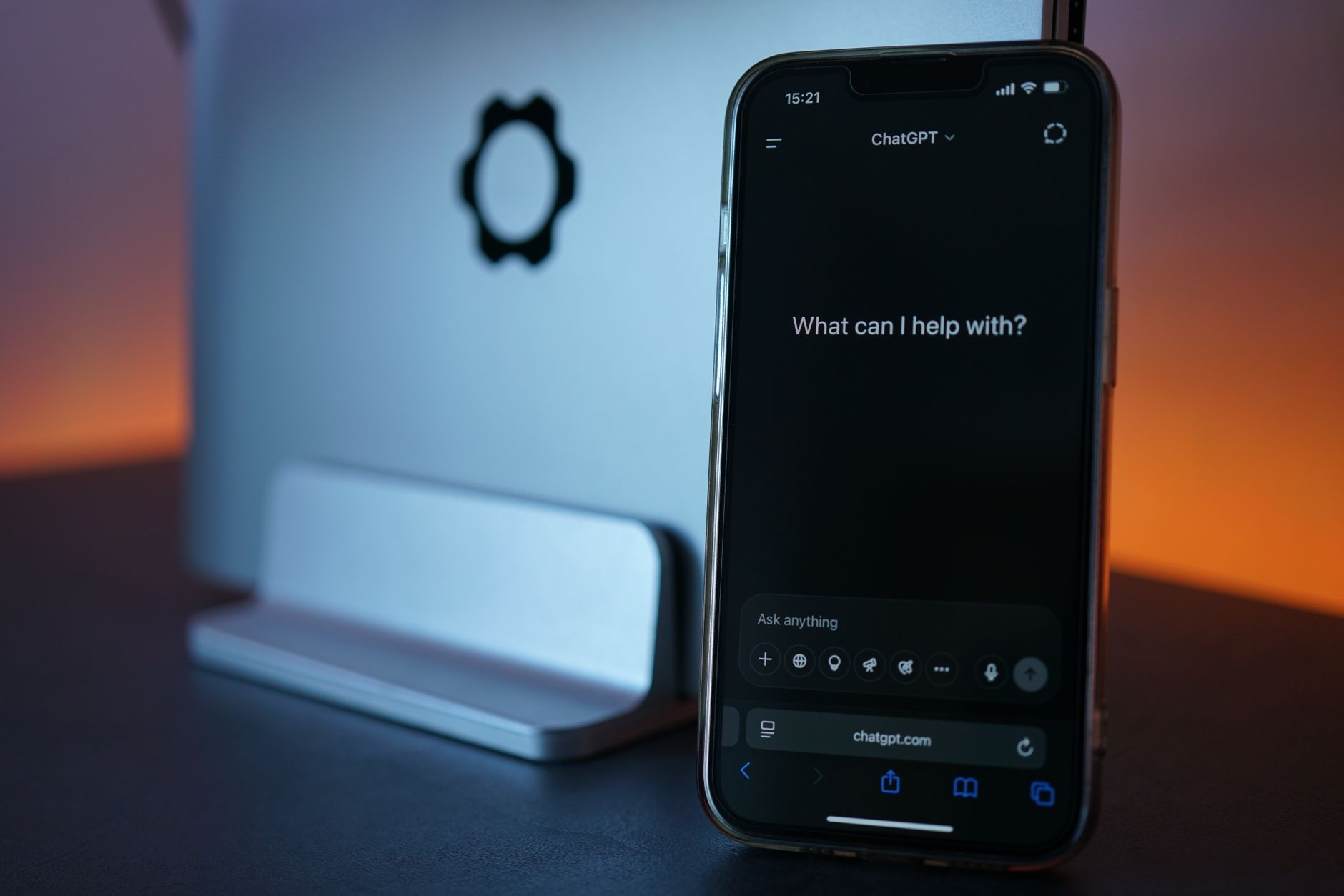
Before we talk about how to use ChatGPT and Claude, picture your Monday inbox. Forty unread emails, three reports due by Friday, a meeting you have to prepare for by tomorrow morning, and a WhatsApp group still waiting on a reply from last week. This is exactly the kind of week that AI tools like ChatGPT and Claude were built to help with, and most professionals are barely using a fraction of what these tools can actually do. This guide walks through six real ways to use ChatGPT and Claude at work, with prompts you can copy directly, not abstract advice about AI transforming productivity.
Turn a Messy Voice Note Into a Structured Report
If you record a quick voice memo after a client call or site visit, paste the transcript into ChatGPT or Claude and ask it to turn your rough notes into a structured summary with clear headings. A useful starting prompt is: “Turn these rough notes into a structured report with sections for what happened, what was agreed, and what needs to happen next.” This turns fifteen minutes of talking into a polished document in under a minute of editing.
Draft Your Weekly Report Before You Open a Blank Document
Instead of staring at a blank page every Friday, paste your raw week (tasks completed, numbers, blockers) into the AI tool and ask it to draft your weekly report in your usual format. A useful prompt is: “Here is what I did this week in rough notes. Write this as a weekly report for my manager, professional tone, three short sections.” Editing a solid first draft takes minutes. Writing one from nothing takes an hour or more.
Prepare for a Meeting in Five Minutes
Before an important meeting, paste any background documents or previous meeting notes and ask for a briefing. A useful prompt is: “Based on this background, give me three questions I should ask in this meeting and two risks I should be aware of.” This replaces the scramble of re-reading old emails on the morning of a meeting.

Summarise a Long Thread So You Are Not Reading From the Top
Long email threads and WhatsApp conversations eat entire mornings. Paste the thread and ask for a summary of the current state of the conversation and what decision, if any, is still outstanding. This alone can save professionals close to an hour a week, based on how often long threads get re-read from scratch before anyone replies.
Draft a Difficult Message Before You Send It
Pushback emails, negotiation messages, and difficult feedback conversations are easier to draft with AI as a first pass. Ask for a firm but professional version of what you want to say, then edit it into your own voice. This produces a clearer message than writing it while frustrated, and takes less time than drafting three versions yourself by hand.
Build a Personal Prompt Library for Recurring Tasks
The single biggest time saver is not any one prompt. It is keeping a running document of the two or three prompts you use every single week, so you are never starting from a blank instruction again. Most professionals lose the time-saving benefit of AI simply because they retype the same instructions from memory every time instead of reusing what already worked.
The Mistakes That Cancel Out the Time Savings
Pasting sensitive company or client data into a public AI tool without checking your company’s data policy first is the most common serious mistake. The second is not reviewing the output before sending it, since AI tools can sound confident while being factually wrong. The third is giving up after one mediocre result instead of adding more context and trying again, which is usually all it takes to get a genuinely useful answer.
Turning This Into a Habit, Not a One-Off Trick
The professionals who genuinely save hours every week are not the ones who know the most prompts. They are the ones who built one or two of these into their actual weekly routine until it became automatic. If you want structured practice building this habit in a single session, our Workshops are built as a low-commitment way to build one specific AI skill fast. For more on applying AI at work generally, see how to actually use AI at work.
Frequently Asked Questions
Is ChatGPT or Claude better for work tasks?
Both work well for most of the tasks above. The better choice usually comes down to which one you will actually open and use consistently.
Is it safe to paste work documents into AI tools?
Always check your company’s data policy first, and avoid pasting anything confidential unless your organisation has explicitly approved it.
How long does it take to see real time savings?
Most professionals notice a measurable difference within one to two weeks of using even two or three of these prompts consistently.
Do I need a paid subscription to do any of this?
No. The free tiers of both tools are enough to start with everything described here.